Hey there, fellow art and print enthusiasts! As a canvas prints supplier, I've seen firsthand the importance of sharpness in canvas prints. A sharp, clear print can turn a good piece of art into a stunning masterpiece that really pops. In this blog, I'm gonna share some tips on how you can improve the sharpness of your canvas prints.
Start with High - Quality Source Images
The foundation of a sharp canvas print begins with the source image. If you've got a blurry or low - resolution image, no matter how good your printing process is, the final print won't be sharp.
- Resolution Matters: Aim for an image resolution of at least 300 DPI (dots per inch). When an image has a low DPI, the printer has fewer dots to work with, which results in a pixelated and less - sharp print. You can use image - editing software like Adobe Photoshop to check and adjust the resolution. If you're working with a photo, make sure it was taken with a high - quality camera. Modern smartphones can take great photos, but if you're going for a large - scale canvas print, consider using a DSLR or a mirrorless camera for better results.
- Avoid Compression: When saving your images, be careful with compression. File formats like JPEG use compression, and if you set the compression level too high, it can degrade the image quality. I suggest saving in lossless formats like PNG when possible, especially if you're planning to keep editing the image further before printing.
Choose the Right Canvas Material
The type of canvas you choose can significantly impact the sharpness of your print. Different canvases have different textures and absorbency levels, which affect how the ink is laid down.
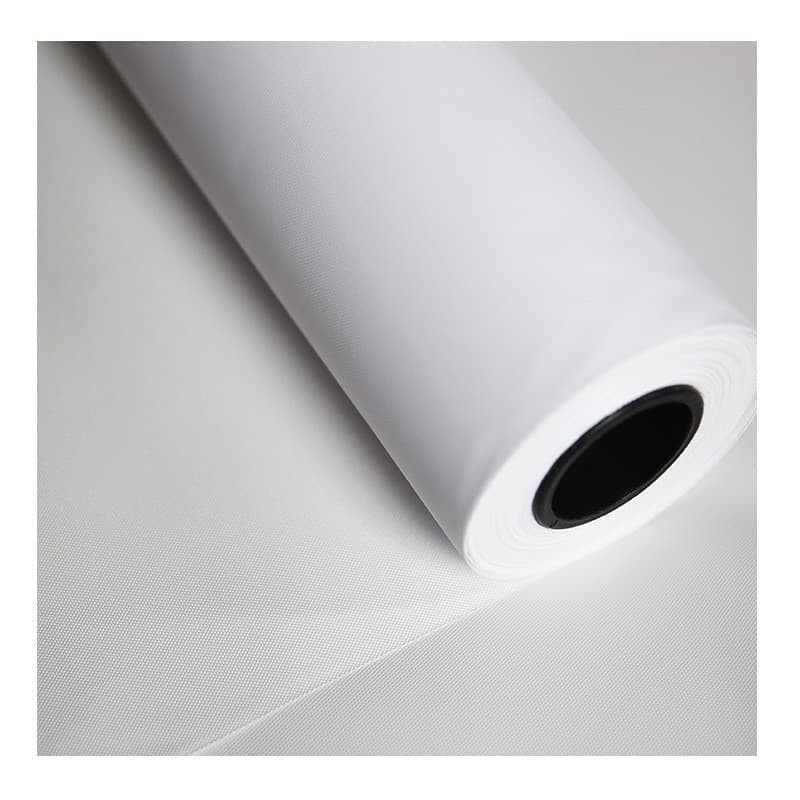
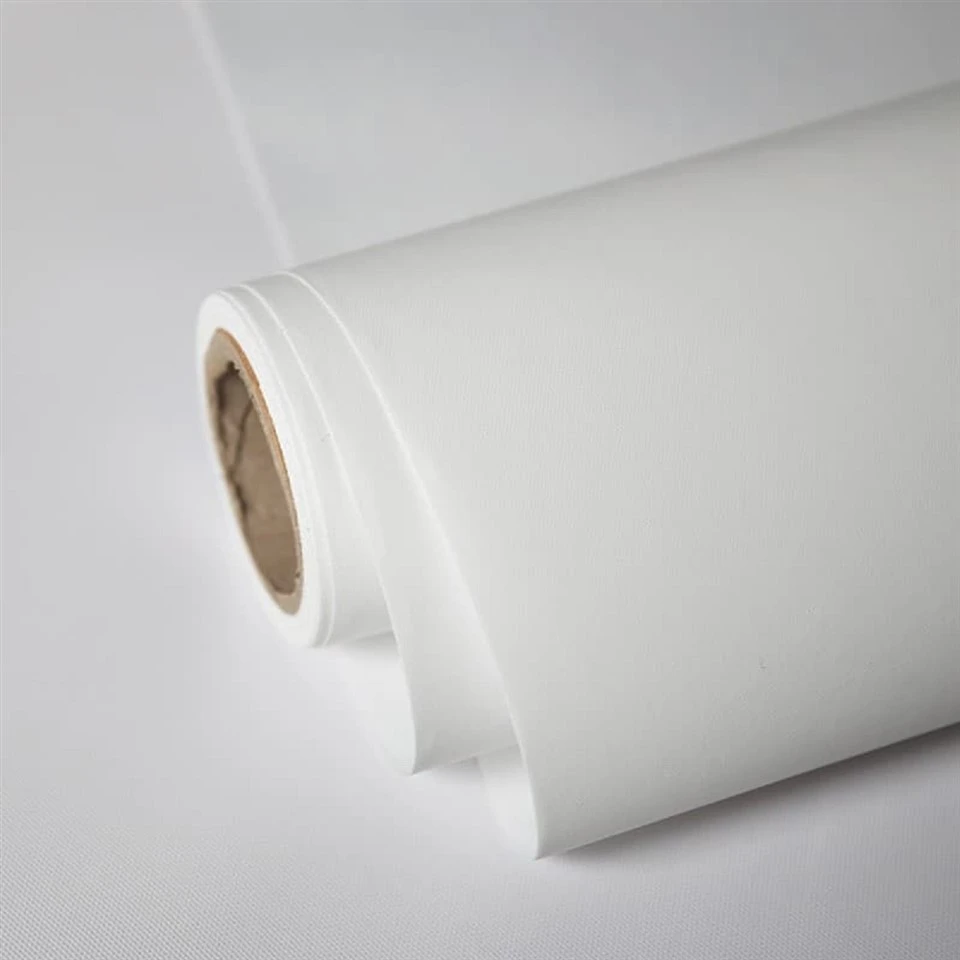
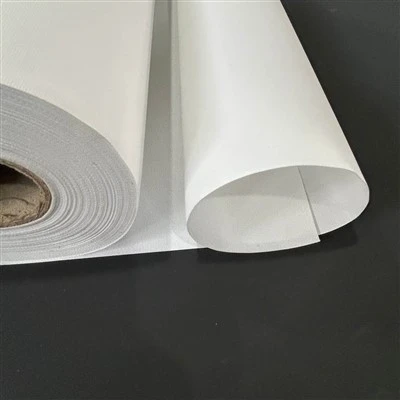
- Instant Dry Aqueous Matte Inkjet Canvas: This Instant Dry Aqueous Matte Inkjet Canvas is a great option for sharp prints. Its instant - dry feature ensures that the ink doesn't spread or bleed, which helps in maintaining the sharp edges of the image. The matte finish also reduces glare, making the details of the print more visible.
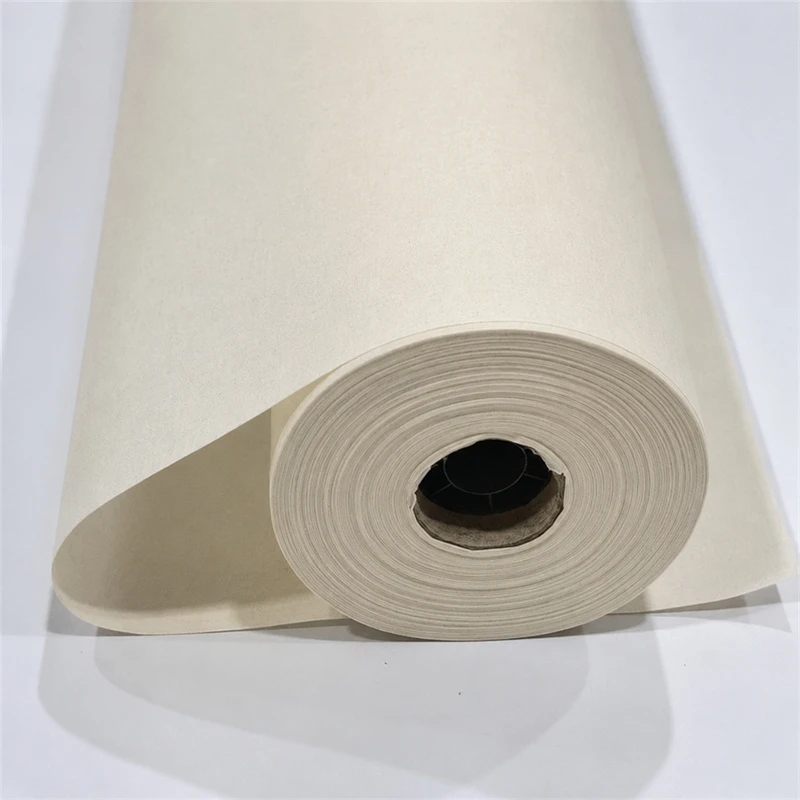
- Matte Inkjet Cotton Canvas Roll: The Matte Inkjet Cotton Canvas Roll is made of cotton, which gives it a natural and high - end look. Cotton has good absorbency, so the ink sits well on the surface, resulting in sharp and vibrant colors. The matte finish again helps in enhancing the clarity of the print.
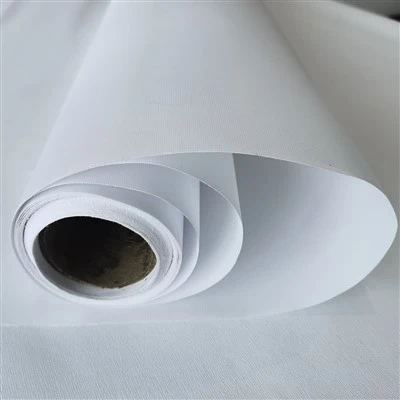
- Aqueous Matte Linen Canvas: If you're looking for a canvas with a bit of texture, the Aqueous Matte Linen Canvas is a solid choice. The linen texture adds a unique touch to the print, and the aqueous matte coating ensures that the ink is absorbed evenly, leading to a sharp and detailed finish.
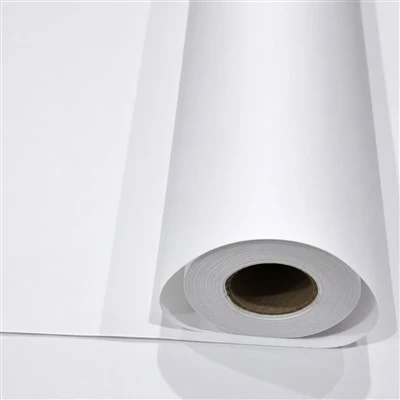
- Aqueous Matte Inkjet Canvas: This Aqueous Matte Inkjet Canvas provides a smooth surface for printing. The aqueous matte formula allows the ink to dry quickly and adhere well, so you can achieve sharp lines and clear colors.
- Cotton Aqueous Matte Inkjet Canvas: The Cotton Aqueous Matte Inkjet Canvas combines the benefits of cotton and an aqueous matte coating. It offers excellent ink absorption and a smooth finish, which are key factors in getting a sharp print.
Optimize Your Printing Settings
Getting the right print settings is crucial for achieving sharp canvas prints.
- Printer Resolution: Set your printer to its highest available resolution. This will ensure that more dots of ink are laid down per inch, resulting in a sharper image. However, keep in mind that printing at a higher resolution might take longer.
- Ink Settings: Some printers allow you to adjust the ink density. If the ink is too light, the print may look washed - out and lack sharpness. On the other hand, if it's too heavy, it can cause bleeding. Experiment with different ink density settings to find the optimal one for your canvas and image.
- Color Management: Use a color - managed workflow to ensure that the colors in your print match the colors in your source image. Many printers have built - in color - management tools, or you can use external software. This helps in maintaining the accuracy of colors and the sharpness of color transitions in the print.
Post - Printing Treatments
After the print is done, there are a few things you can do to enhance its sharpness even more.
- Laminating: Applying a laminate to the canvas can protect the print and also enhance its sharpness. A clear laminate can add a layer of gloss or matte finish, depending on your preference. The laminate can also smooth out any minor imperfections on the canvas surface, making the print look clearer.
- Framing: A good frame can make a big difference in how the print is perceived. A well - chosen frame can draw the viewer's attention to the print and give it a more professional and polished look. It can also protect the canvas from damage, ensuring that the sharpness of the print is maintained over time.
Maintenance and Storage
Proper maintenance and storage of your canvas prints are essential for keeping them sharp in the long run.
- Avoid Direct Sunlight: Sunlight can fade the colors of your canvas print over time and also cause the canvas to warp. Keep your prints away from windows or use UV - blocking glass if you're framing them.
- Control Humidity: High humidity can cause the canvas to expand and contract, which may lead to wrinkles and a loss of sharpness. Try to keep your prints in an environment with stable humidity levels.
In conclusion, improving the sharpness of a canvas print involves a combination of factors, from starting with a high - quality source image to choosing the right canvas material, optimizing print settings, and taking proper care of the print after it's done. By following these tips, you can create canvas prints that are sharp, clear, and truly eye - catching.
If you're in the market for high - quality canvas materials for your prints, or if you have any questions about improving the sharpness of your canvas prints, don't hesitate to reach out. We're here to help you bring your art to life with the sharpest and most vibrant canvas prints possible. Let's start a conversation about your next printing project!
References
- Adobe. (n.d.). Working with image resolution. Retrieved from Adobe's official documentation.
- Printer manufacturers' user manuals.